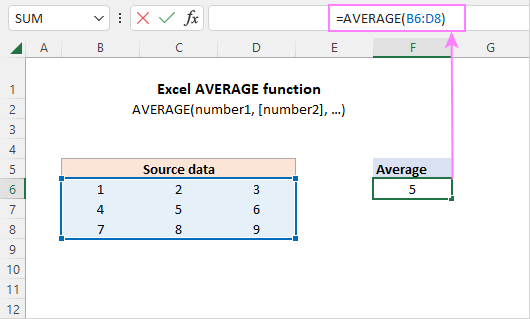
Here’s a dirty little secret: you don’t even have to type a formula to see an average. Just highlight a bunch of numbers with your mouse. Look down at the bottom-right corner of your Excel window, where it says SUM. Right-click that little area and select Average.
Now, every time you highlight numbers, you’ll see the average right there on the status bar. It’s like having a tiny math assistant living in your taskbar. No formula, no stress. Just pure, instant gratification. You’re welcome.

