
NodeSource is like the cool aunt who always brings the latest gadgets. They maintain a PPA (Personal Package Archive) that gives you the most recent stable Node.js releases. First, open your terminal—you know, that black box where you type spells?
Run this incantation: curl -fsSL https://deb.nodesource.com/setup_20.x | sudo -E bash -. Replace 20.x with whichever major version you want (like 18.x or 22.x if you’re feeling adventurous). This downloads the setup script and adds the repository to your system.
After it finishes—and trust me, it takes a few seconds—run sudo apt-get install -y nodejs. That -y flag just says “yes” to all prompts, because who has time for that? Now type node -v and bask in the glory of a modern version. You’re welcome.
A Quick Side Note on npm
Node.js comes with npm (Node Package Manager) pre-installed when you use NodeSource. But here’s the irony: npm is a JavaScript package manager written in JavaScript. It’s like a snake eating its own tail. And it updates faster than Node itself, so you might want to upgrade it separately: sudo npm install -g npm@latest. Your future self will thank you.
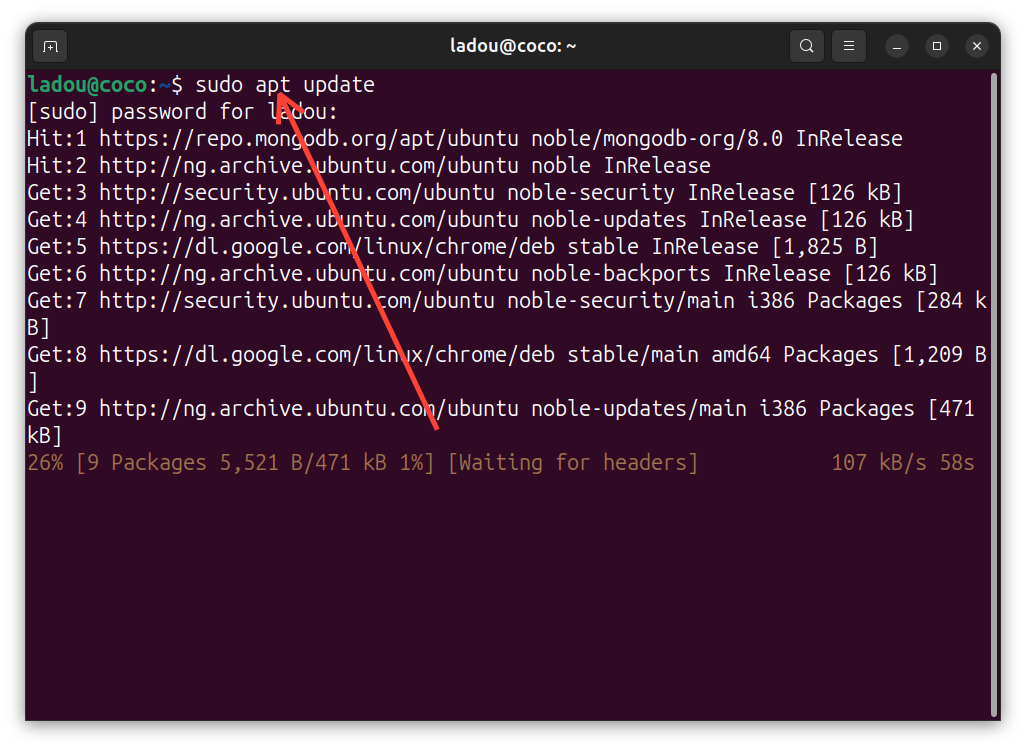 How to Install Node.js on Ubuntu Using the Package Manager

