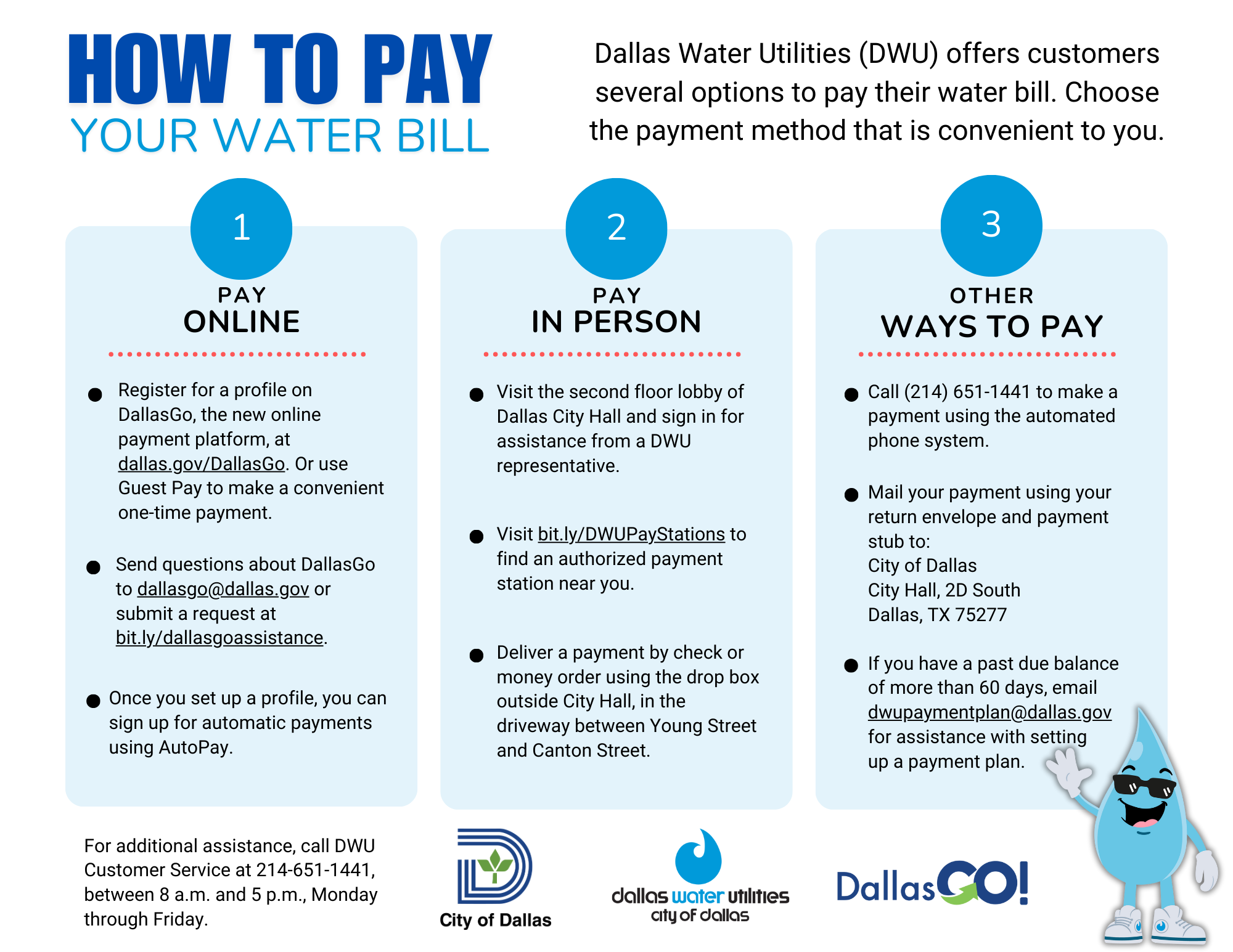
Once you’re on the website, look for a big, friendly button that says “Pay Online,” “Make a Payment,” or “My Account.” Click it. It won’t bite. I promise. If you don’t see it, the button might be hiding in a menu at the top of the page.
You’ll then be asked to create an account or log in. If it’s your first time, click “Register” or “Create Account.” You’ll need your email address and a password. Pro tip: don’t use “password123” unless you want hackers to pay your water bill for you. (Spoiler: they won’t.)

