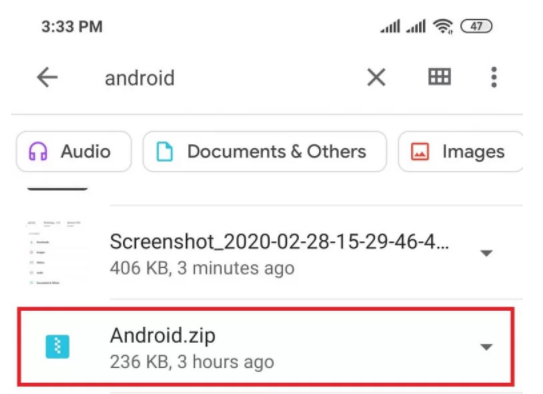
To unzip files on Android, you'll need a file manager app that can handle the task. You can use the default file manager app that comes with your device, or download a third-party app like WinZip or ZArchiver from the Google Play Store.
Once you've got your file manager app, navigate to the zipped file you want to unzip. It's usually marked with a .zip extension, so it's hard to miss. Tap on the file to select it, and then look for the unzip or extract option.

